
- Start by asking the site to look at their router.
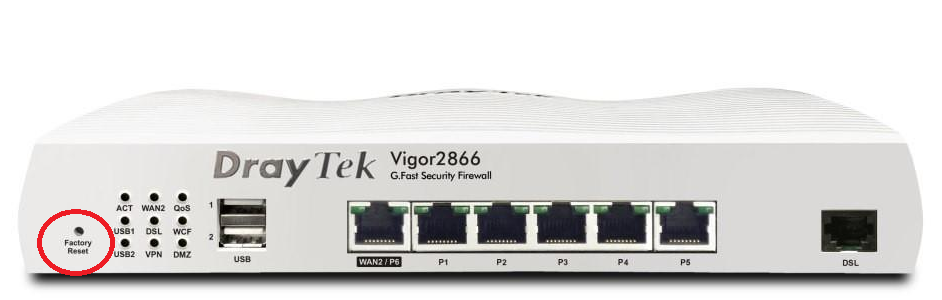
- 99% of the time, the router will be a white Draytek (Vigor 2860/2862/2865)
- Confirm with the site that they are looking at the correct box (I typically ask them to read the model number off the front back to me, rather than suggesting model names for them to just agree with) You can also Google search their Draytek model so you can see what they see.
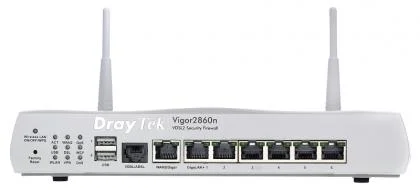
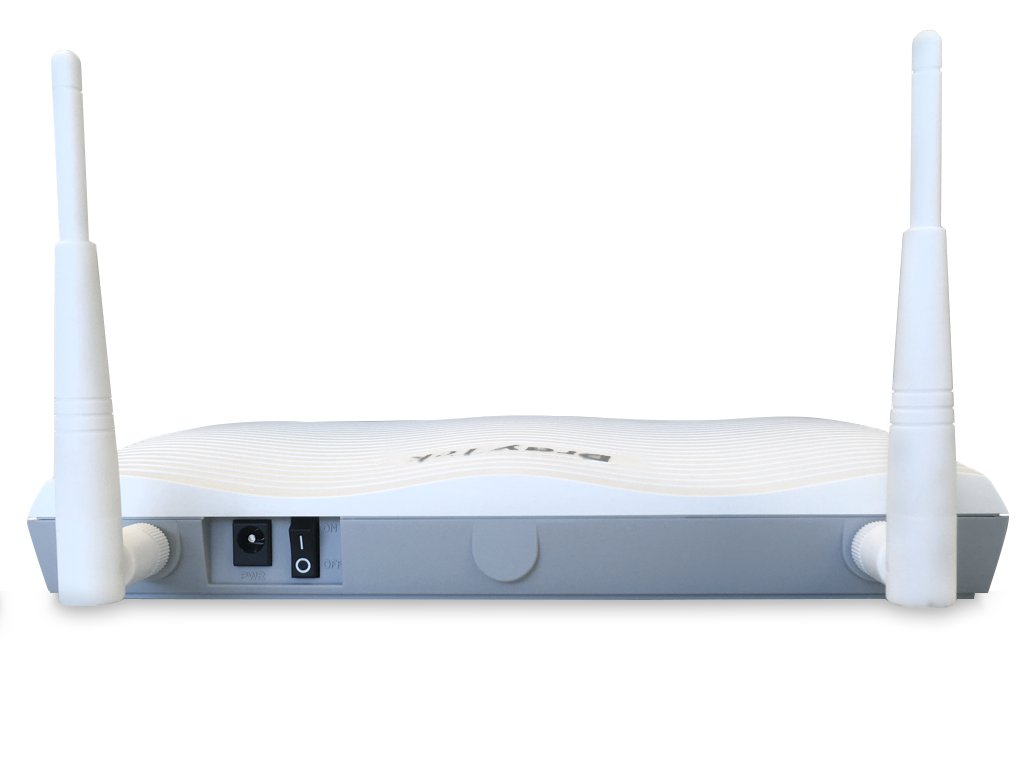
- Now they are looking at the correct box, firstly ask if there are any lights at all. If there are no lights, check the power cable in the back is plugged into the router, and also at the mains. You can also try different mains sockets, or if it plugged into an extension, ensure the extension isn't faulty. There is also a power switch on the back of the router, next to where the power cable plugs in. If this still doesn't bring it back online, it's likely faulty.
- If there are lights on the router, ask which lights are on on the front left hand side of the router. For a working internet connection, typically (some sites may differ) you need:
- ACT (flashing)
- DSL (solid)
- Once you have confirmed/made a note of which lights are on, check the port that says "DSL" or "ADSL" or "VDSL/ADSL" - this port can be named differently from model to model, and can be located in a different area on the front of the router. 99% of the time this port should have a DSL cable (telephone cable) plugged in. I believe this port only fits a DSL cable, it cannot fit an ethernet cable as they are slightly larger - you can use this to help site identify it.
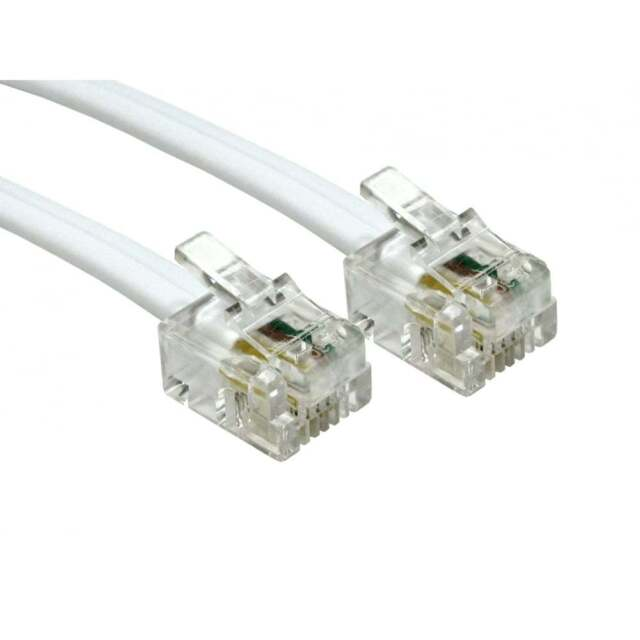
- Ensure the DSL cable is plugged in securely, and if possible ask site to trace where it goes - typically it connects to an ADSL filter (small block) and then the filter plugs into the telephone socket on the wall. This is where the line comes into the building.
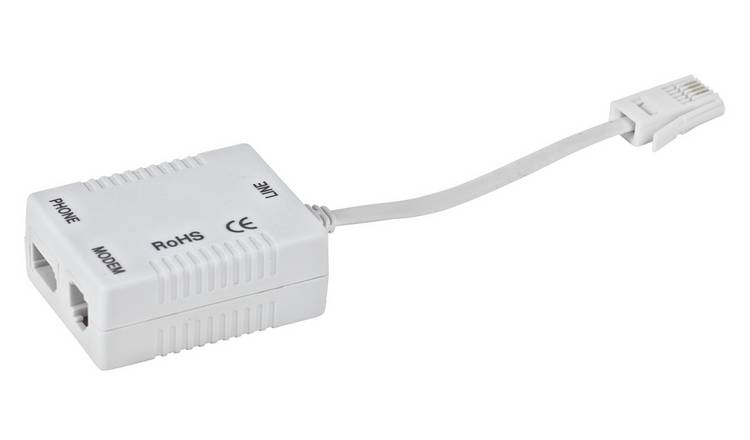
- Some sites have a separate line for internet and a separate line for phones. Some site only have one line into the building, and the phone and internet both connect to these two sockets on the ADSL filter. Ensure all of this is connected securely.
- Sometimes routers can factory reset themselves (when becoming faulty), or a staff member on site can poke a pin into the "Factory Reset" hole on the front of the router. Sometimes I ask site if they have poked a pin in this hole as a factory reset router will also result in no internet. This occurs more often than you might think. You can also confirm this by asking site to run an ipconfig command on one of their computer (Try to ensure they do this on a wired computer) - a factory reset router will typically give a 192 address to computers.
- Once you have confirmed all this, ask site to flick the power switch off at the back of the router, leave it for 10 minutes and then power it back on. In the meantime, report this internet outage to MPS with all of the info you have gathered. If the Cisco/Huawei switch is also next to the Draytek router, it can be worth powering this off at the same time. You can power the switch off by pulling the mains kettle lead out of the back of the switch and leaving it for 10 minutes.