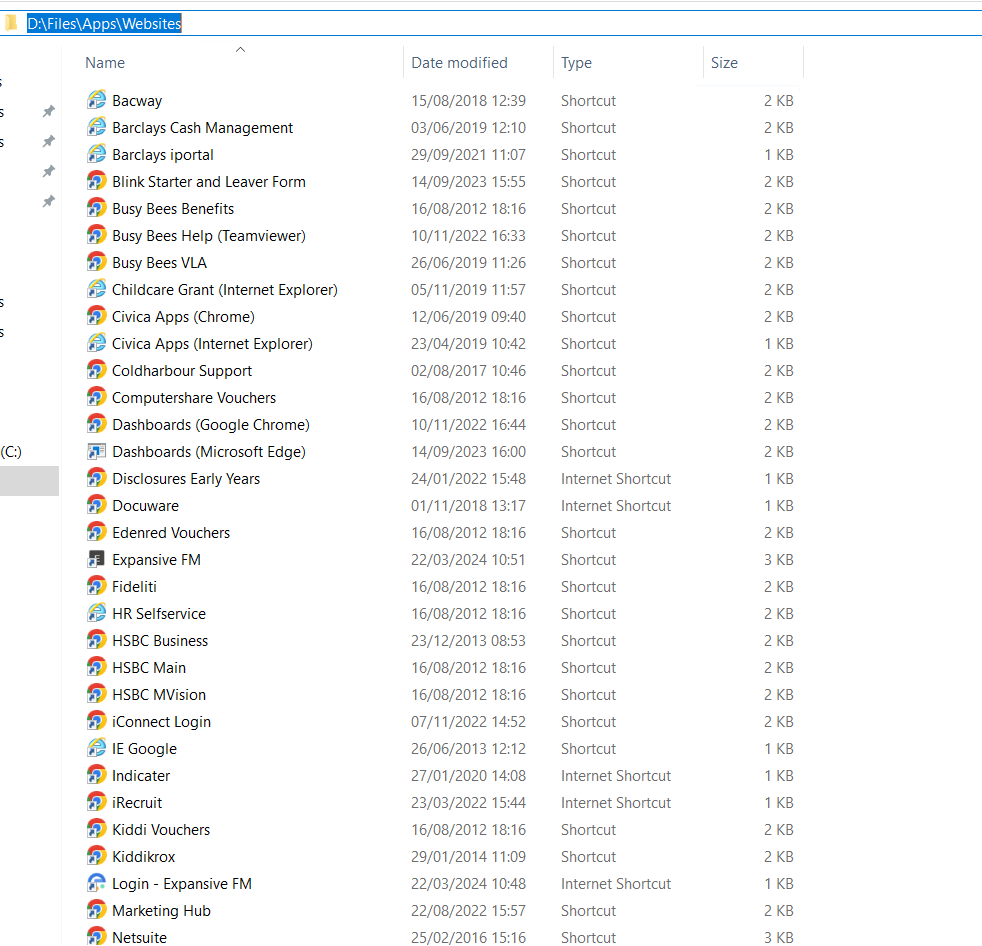
Please connect to BBFS02 via RDP and navigate to: D:\Files\Apps\Websites
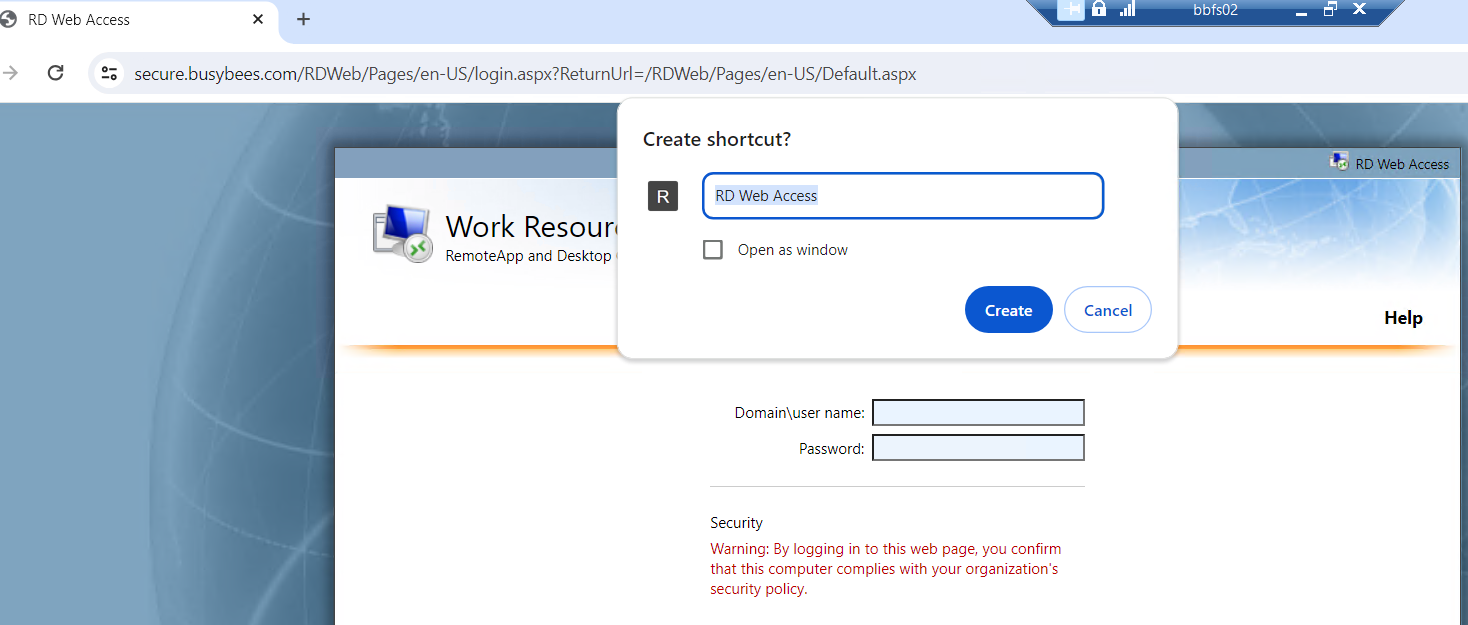
Now open chrome and open the website, once the website link works, please create a shortcut and add it to the Websites folder which should then sync.

Modified on: Fri, 22 Mar, 2024 at 11:13 AM
Please connect to BBFS02 via RDP and navigate to: D:\Files\Apps\Websites
Now open chrome and open the website, once the website link works, please create a shortcut and add it to the Websites folder which should then sync.
Did you find it helpful? Yes No
Send feedback